Vertex Lighting
Ported from Microsoft's XNA 4.0 Vertex Lighting sample.
Source for this sample on GitHub ↗
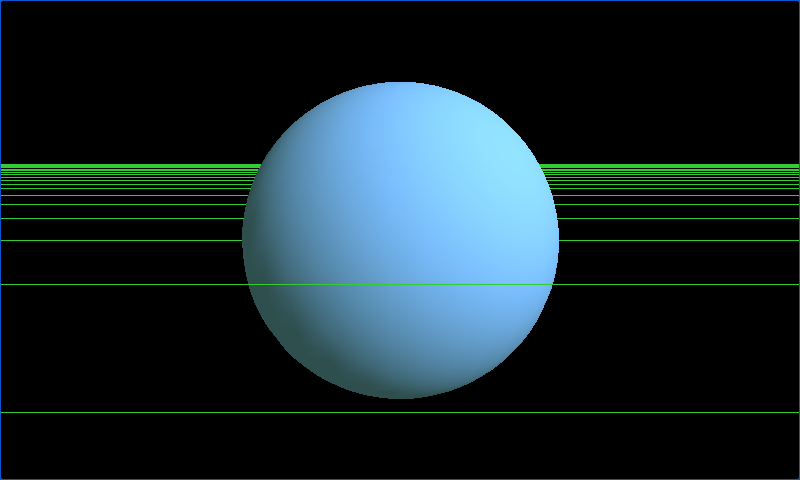 Play ▸
Opens in a new tab. Toggle flat shading and vertex lighting, then change the mesh.
About this sample
Compare an unlit white effect with directional and ambient light calculated at each vertex. The vertex colors are interpolated across the mesh, producing smooth Gouraud shading. Try the sphere, cylinder, cone and cube to see how the geometry changes the result.
Controls
| Action | Keyboard | Gamepad |
|---|---|---|
| Toggle lighting effect | Space | Y |
| Next mesh | Tab | X |
| Rotate mesh | Arrow keys | Left stick |
| Orbit camera | W, A, S, D | Right stick |
| Zoom | Z and X | A and B |
| Exit | Escape | Back |