Per-Pixel Lighting
Ported from Microsoft's XNA 4.0 Per-Pixel Lighting sample.
Source for this sample on GitHub ↗
 Play ▸
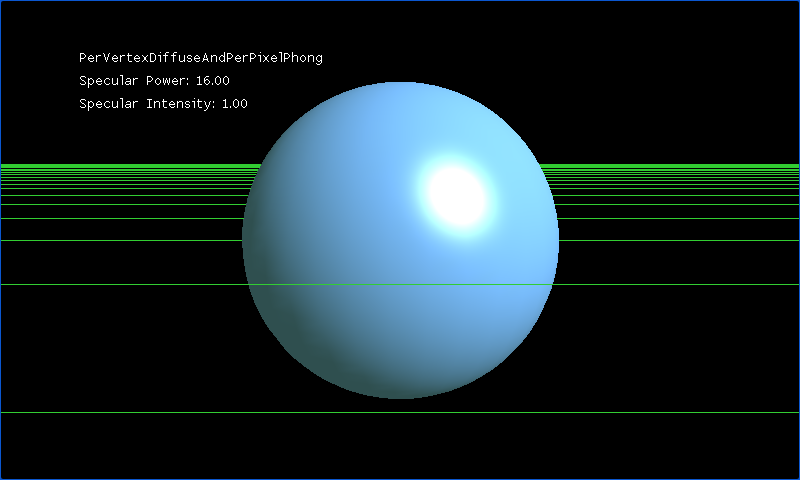
Opens in a new tab. Switch between five lighting modes and five meshes.
About this sample
Compare diffuse and Phong lighting calculated at vertices or at pixels. Switch among a high-resolution sphere, low-resolution sphere, cylinder, cone and cube to see how mesh geometry changes the result. You can also adjust the specular highlight and move the camera.
Controls
| Action | Keyboard | Gamepad |
|---|---|---|
| Next lighting mode | Space | Y |
| Next mesh | Tab | X |
| Rotate mesh | Arrow keys | Left stick |
| Move camera | W, A, S, D | Right stick |
| Zoom | Z and X | Triggers |
| Specular power | Numeric keypad * and / | D-pad left and right |
| Specular intensity | Numeric keypad + and − | D-pad up and down |
| Exit | Escape | Back |