Tilt Perspective
Ported from Microsoft's XNA 4.0 Tilt Perspective Sample for Windows Phone.
Source for this sample on GitHub ↗
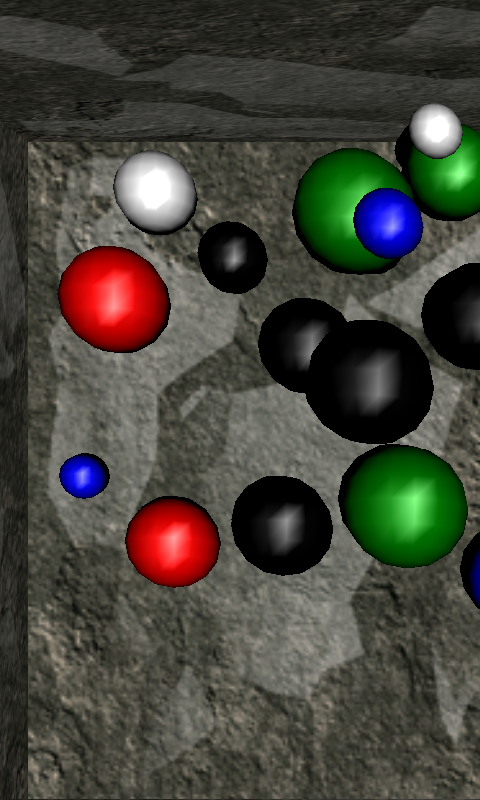 Play ▸
Opens in a new tab. The tilt is simulated, so the box keeps rolling slowly. Hold a touch or the left mouse button to make the current tilt the level one.
About this sample
The original sample uses the phone's accelerometer to estimate where the player's eyes are and renders the scene from that viewpoint, so the box of rolling balls appears to sit behind the screen. The same tilt drives the balls. Touching the screen records the current tilt as the level reference.
A browser offers this port no phone accelerometer, so it runs the original sample's own emulator path, which simulates a slow, steady circular tilt. At the owner's request, holding the left mouse button acts as the touch through CNA's optional mouse-to-touch emulation.
Controls
| Action | Control |
|---|---|
| Stop the sample | Gamepad Back, or close the game tab |
| Make the current tilt level | Hold a touch or the left mouse button |