Avatar Animation Blending
Ported from Microsoft's XNA 4.0 Avatar Animation Blending Sample for Xbox 360.
Source for this sample on GitHub ↗
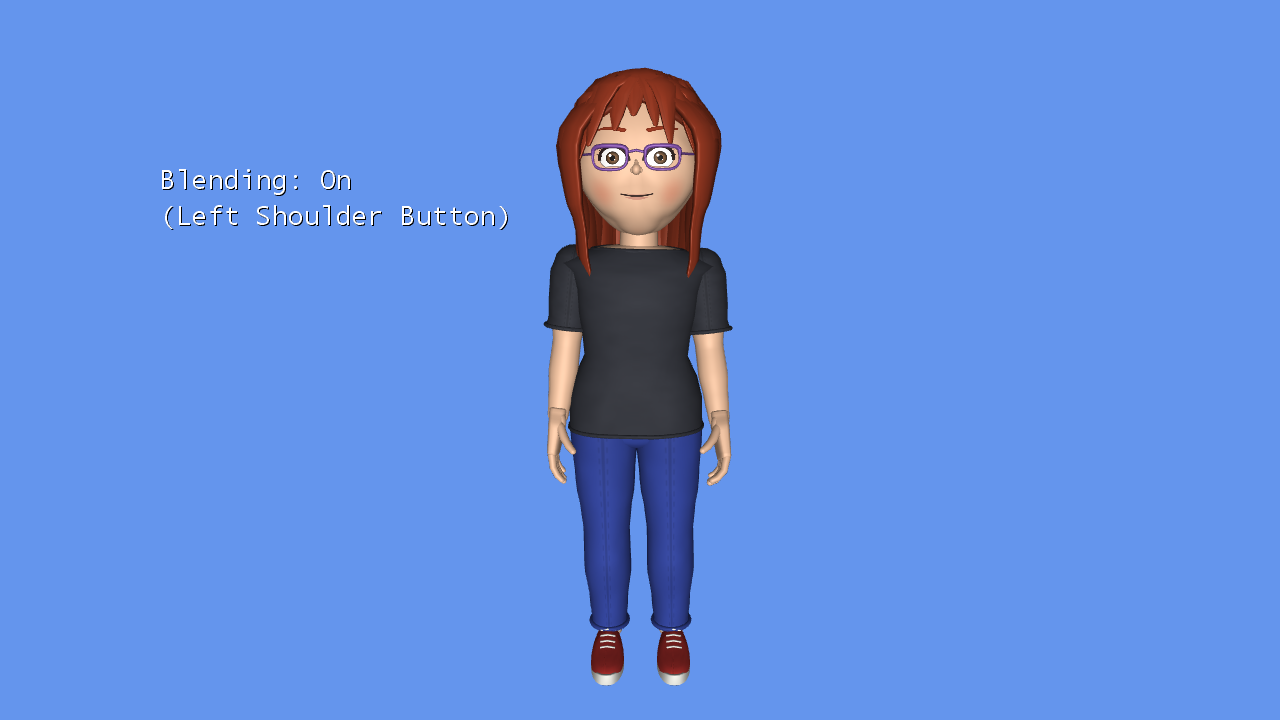 Play ▸
Opens in a new tab. Click the game canvas to focus the keyboard. CNA supplies its own avatars and preset motions; their appearance and timing differ from Xbox avatars. Keyboard emulation is enabled alongside gamepad input. Documented differences ↗
About this sample
The sample switches a random avatar between Stand, Celebrate, Clap and Wave. Its own animation implementation interpolates every bone's rotation and translation over 250 milliseconds, producing a smooth transition between the old and new poses. Toggle blending to compare that transition with an immediate switch.
The same camera controls let you inspect the motion from different angles, and the right shoulder button creates another random avatar.
Controls
| Action | Keyboard | Gamepad |
|---|---|---|
| Celebrate / Clap / Stand / Wave | K / L / J / I | A / B / X / Y |
| Toggle blending | Q | Left shoulder |
| New random avatar | E | Right shoulder |
| Orbit camera | Arrow keys | Right stick |
| Zoom out / in | Z / C | Left / right trigger |
| Reset camera | Right Shift | Right stick click |
| Stop the sample | Escape | Back |