Performance Measuring
Ported from Microsoft's XNA 4.0 Performance Measuring sample for Windows.
Source for this sample on GitHub ↗
 Play ▸
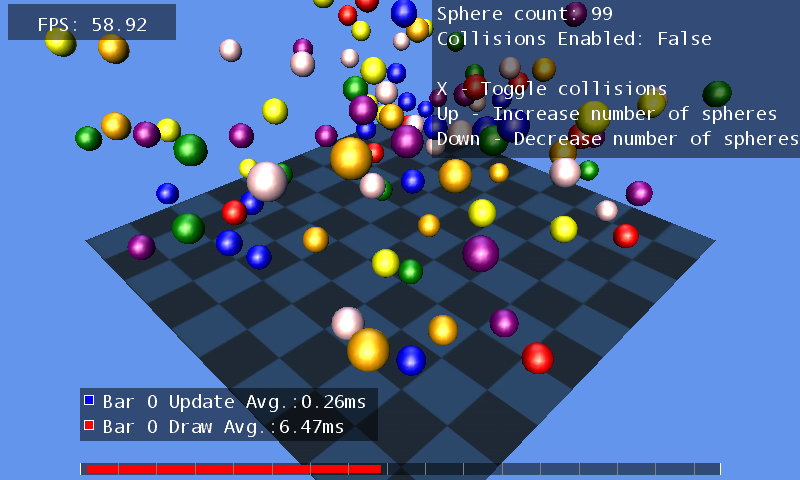
Opens in a new tab. The game starts with 50 spheres and collisions on. The picture shows a later state after increasing the sphere count and turning collisions off.
About this sample
Colored spheres bounce above a checkerboard floor. The FPS counter and time ruler show the cost of updating and drawing the scene as the number of spheres and their interactions change.
Controls
| Action | Control |
|---|---|
| Increase or decrease spheres | Hold Up or Down |
| Toggle sphere collisions | Press X |
| Open the debug console | Press Tab |
| Try System Link discovery | Type remote in the console and press Enter |
| Exit | Press Escape |