Touch Gestures
Ported from Microsoft's XNA 4.0 Touch Gestures sample for Windows Phone.
Source for this sample on GitHub ↗
 Play ▸
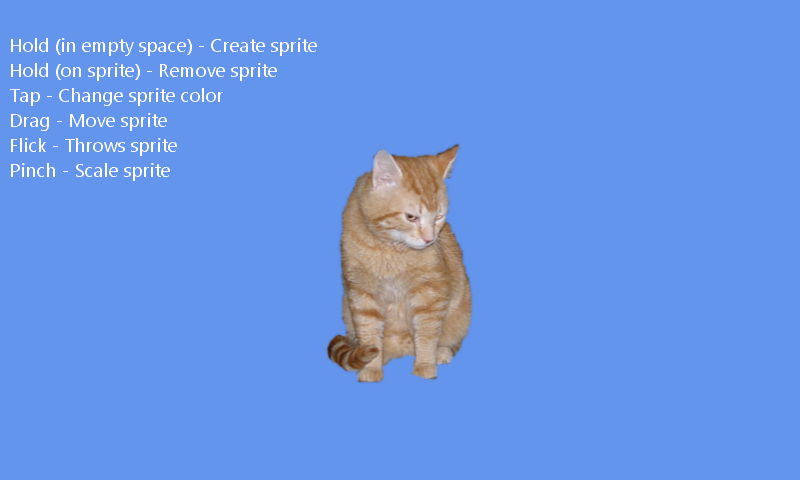
Opens in a new tab. The game starts with no cats: hold the left mouse button on an empty blue spot for at least one second to create one. Touch works on a phone or touch screen.
About this sample
Hold an empty spot to create a cat. The sample recognizes Hold, Tap, Double Tap, Free Drag, Flick and Pinch, and uses them to manage the cat sprites.
Controls
| Action | Control |
|---|---|
| Create or remove a cat | Hold an empty spot or a cat |
| Change color | Tap or double tap a cat |
| Move or throw | Drag or flick a cat |
| Resize | Pinch with two fingers |