Game State Management
Ported from Microsoft's XNA 4.0 Game State Management sample for Windows and Xbox 360.
Source for this sample on GitHub ↗
 Play ▸
Opens in a new tab.
About this sample
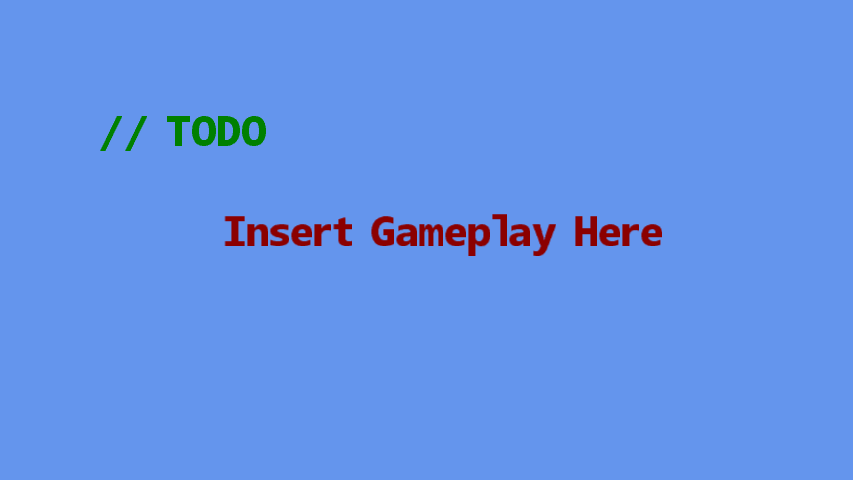
See how XNA manages a stack of menu, loading, gameplay and pause screens, with transitions and per-screen content. The simple gameplay text is the original sample's intentional placeholder.
Controls
| Action | Control |
|---|---|
| Choose a menu item | Up / Down, then Enter |
| Move the gameplay label | Arrow keys |
| Pause or go back | Escape |